
Product Key Features
Easy-to-Use Interface
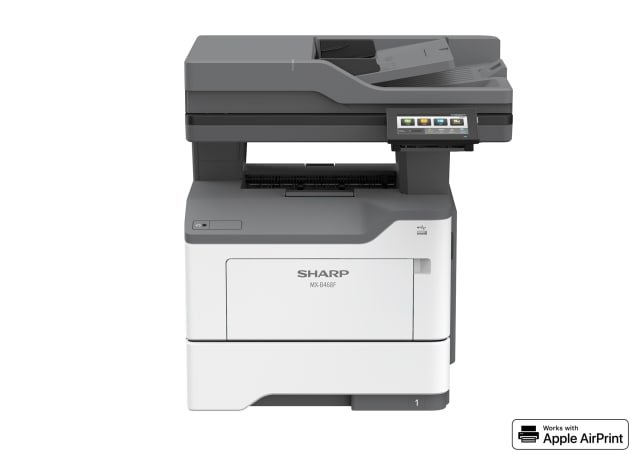
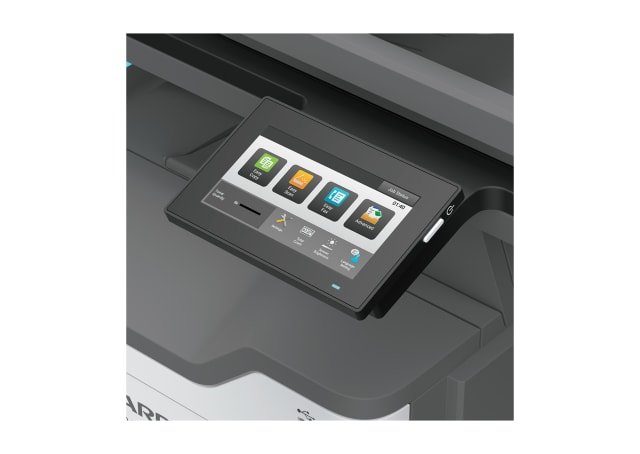
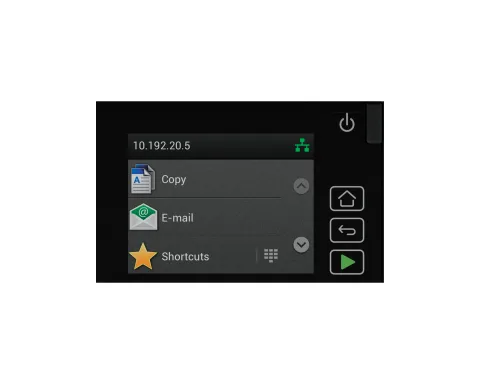
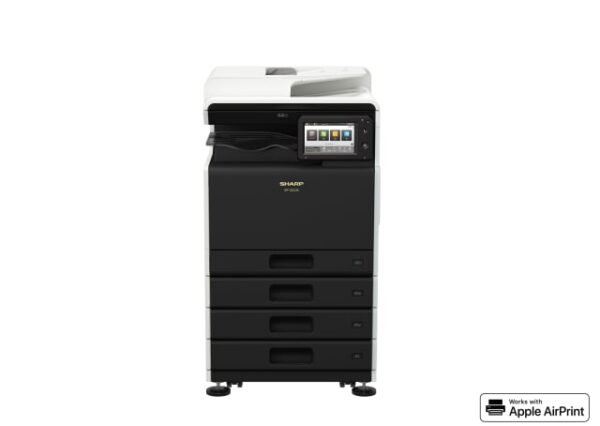
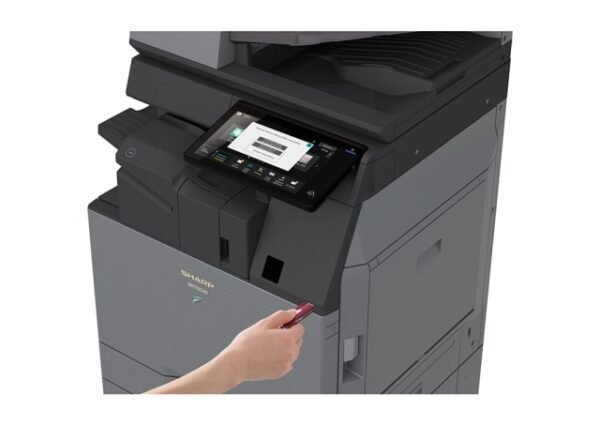
Operating this MFD is easy and intuitive with the 4.3-inch colour LCD touchscreen. In Easy UI mode, the touchscreen displays simple icons for frequently used functions. And with the Preview function*, you can check the finish of a print and scan job in advance. * Requires optional 27X0400 or 57X9528
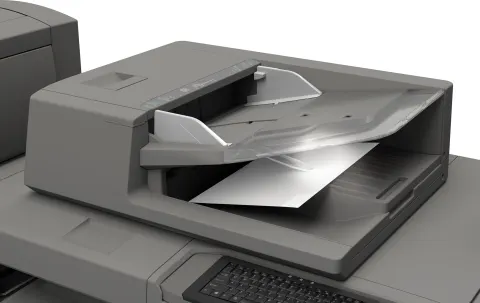
Duplex Single Pass Feeder
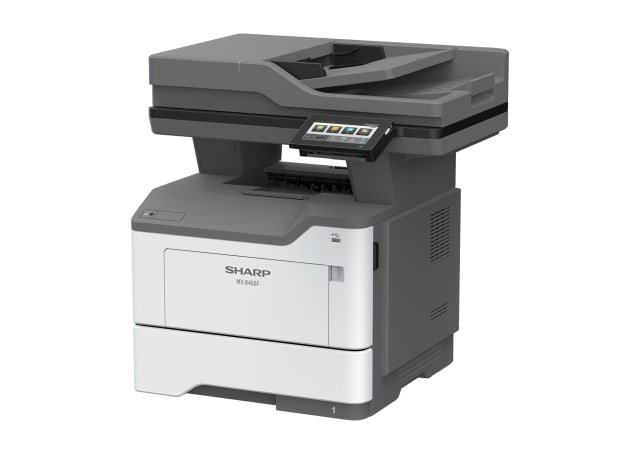
The MXB468F comes equipped with a highly efficient 100-sheet DSPF (duplex single pass feeder), which scans both pages of two-sided documents in one pass. With an A4 scanning speed of up to 49 opm (one-sided) or 98 opm (two-sided), the MXB468F can finish even large projects quickly.
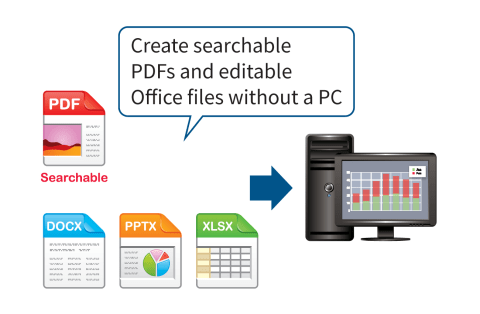
Convert Documents via OCR
The optional OCR capability on this MFD lets you convert a scanned document into a searchable PDF file or into an editable Microsoft? Office Word file. This means you can do speedy text searches, even with large-volume documents, and you can easily copy and paste text data into other applications.
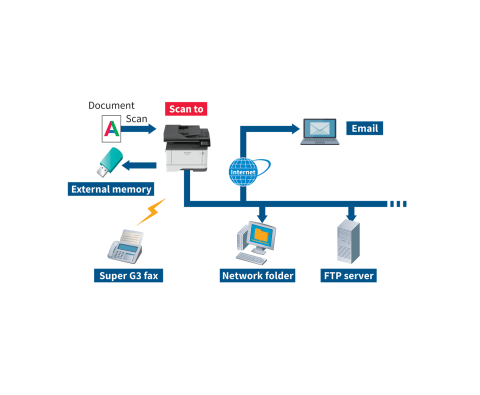
Multiple Scan Destinations
Scanned documents can be distributed in a number of ways. For example, they can be sent as email attachments or they can be scanned directly to an FTP server for storage. An optional compact PDF function ensures that PDF files are sent and received smoothly.
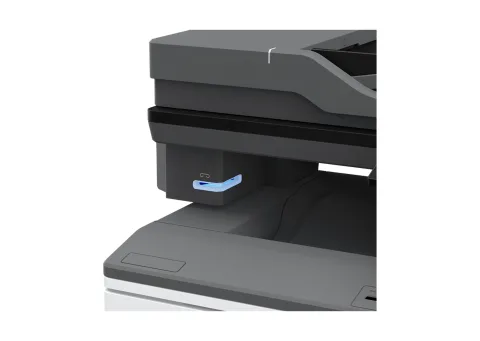
Handy Stapler
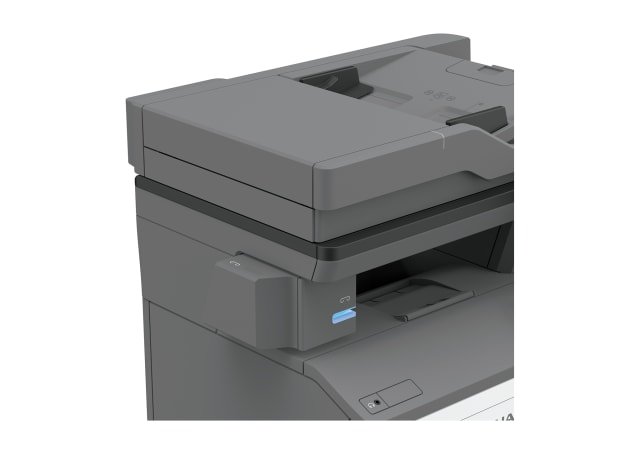
An easy-to-install optional stapler lets you manually staple up to 20 sheets at the MFD without the need for a conventional stapler.
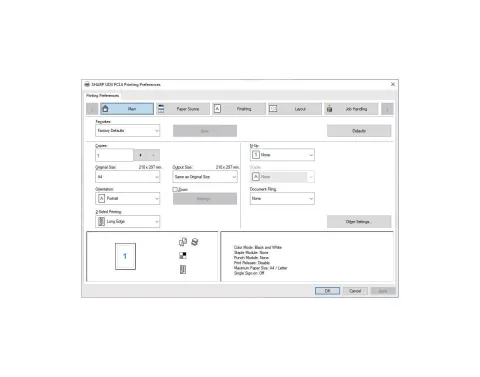
Printer Driver with Easy Setup
The printer driver setup window features a simple design that includes larger buttons and drop-down menus, making it easier than ever to use printer functions.
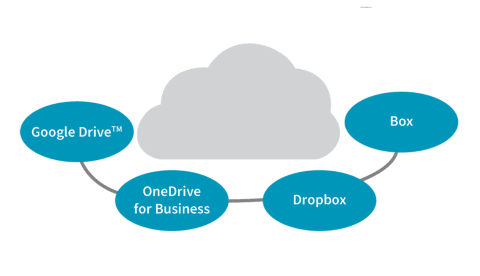
Cloud Service Connectivity
Directly from its control panel, the MFD can connect to popular cloud services such as OneDrive for Business, Google Drive?, Box, and Dropbox. You can easily scan/upload to or print directly from the cloud service.
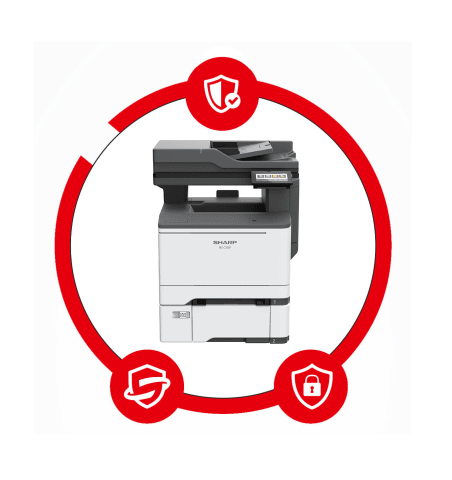
Enhanced Security
A wide range of security features help to keep your information safe, whether it?s in a document, on the device, or over your network. The optional Trusted Platform Module (TPM) provides authentication, system integrity checks, and advanced encryption capabilities. As well as improving security for certificates and encryption keys, TPM adds an extra layer of protection by storing hard drive encryption keys separately from your data.
Reviews
There are no reviews yet.