Product Key Features

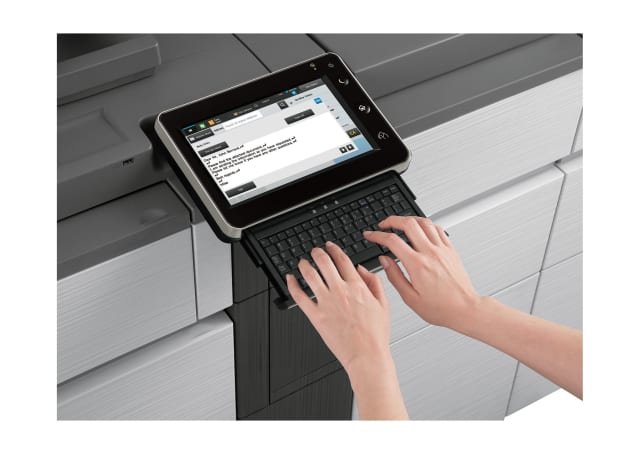
7-Inch Colour LCD Touchscreen
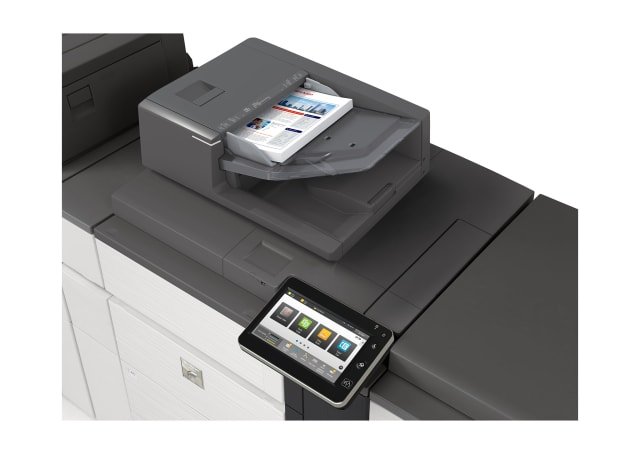
Sharp?s award-winning, customisable touchscreen display incorporates an Easy UI mode, for fast, simple operation, with basic functions displayed in large, clearly labelled tiles and keys. And with the Advanced Preview function, you can also check document finishes, edit pages in advance, and more.
Link with Mobile Devices
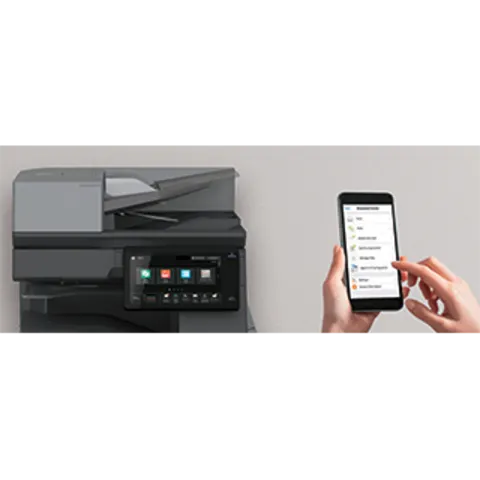
Swiftly linking Sharp MFDs with mobile devices streamlines time-consuming workflows and gives easy access to data on devices. Not only can you send scanned documents to mobile devices, you can also print documents or photos. The Sharpdesk Mobile application also lets you easily link your mobile device via the MFP NFC tag or by scanning the MFPs QR Code?
Convert Documents via OCR
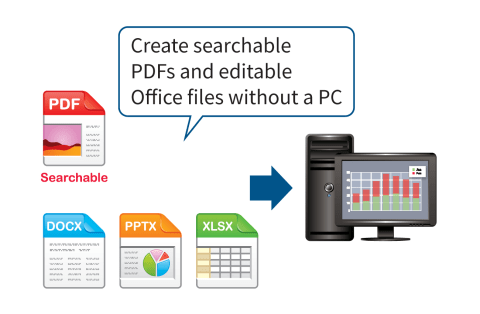
With standard OCR capabilities, users can easily scan and convert documents to popular file formats including Microsoft Word, PowerPoint and Excel, as well as Searchable PDF & Encrypted PDF. Using Qualcomm DirectOffice technology, you can directly print these same file types from USB thumb drives, cloud applications and mobile devices.
Print & Share Documents Easily
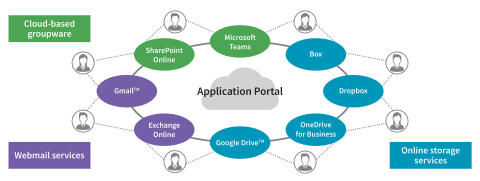
Seamlessly collaborate with colleagues, even when they are working remotely. With Cloud Connect, businesses gain access to popular cloud services including Microsoft Teams, Google Drive, and others. The Sharp Application Portal also makes it easy for administrators to add new or update existing applications directly from the MFD touchscreen.
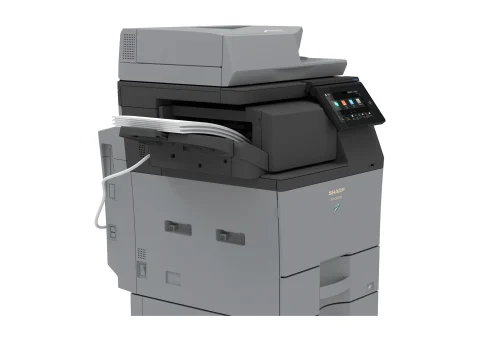
Space-Efficient Inner Finisher
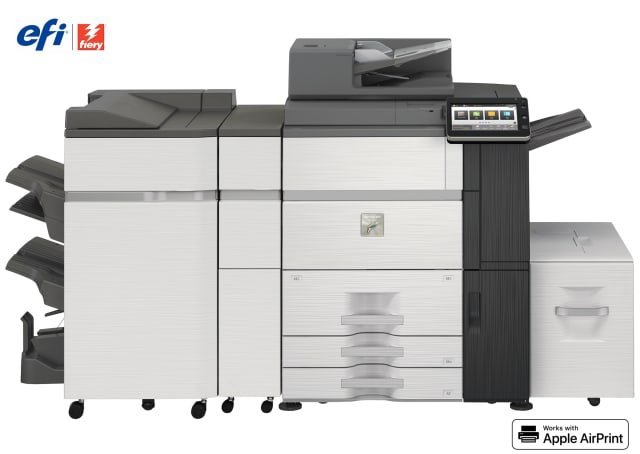
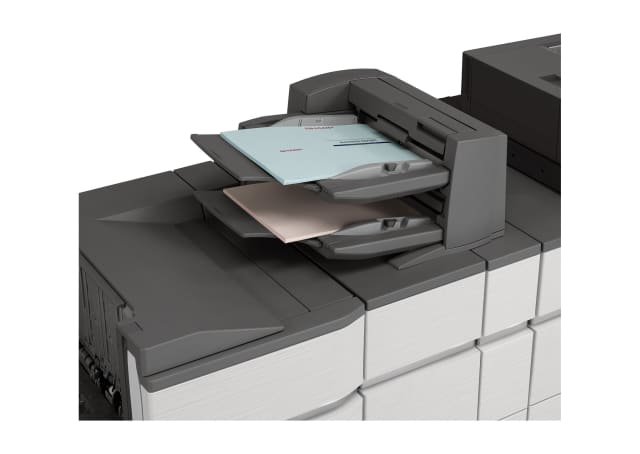
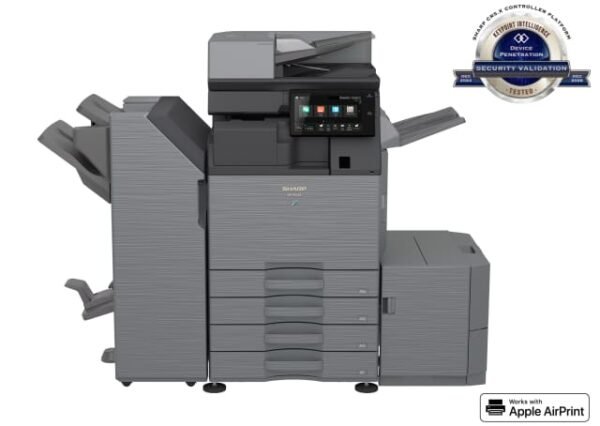
With the help of the BPFN17 Inner Finisher option, the MFD can handle document sorting and stapling jobs with ease.
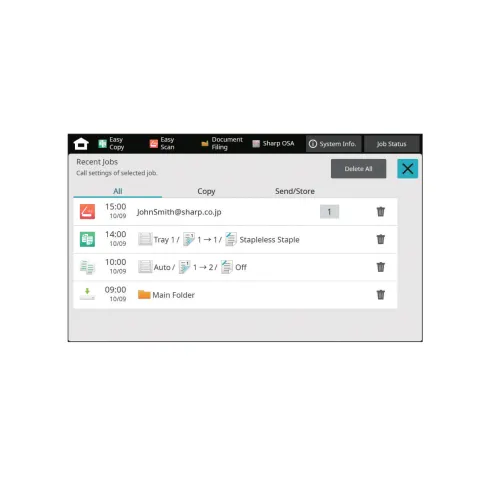
One-Touch Job Recall
The 10 most recent jobs?like copying, faxing, and scanning?can be called up on the LCD screen and their settings displayed. You can then change the settings as required and repeat those jobs.
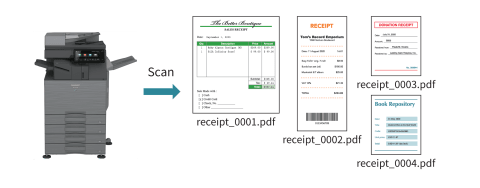
Multi-Crop & Image Crop Functions
Multiple receipts, photos, and other items can be scanned all at once, with each one saved as a separate file. This helps you streamline the filing of receipts and bills. This MFD can also crop photos from documents such as magazine pages and save them as individual files.
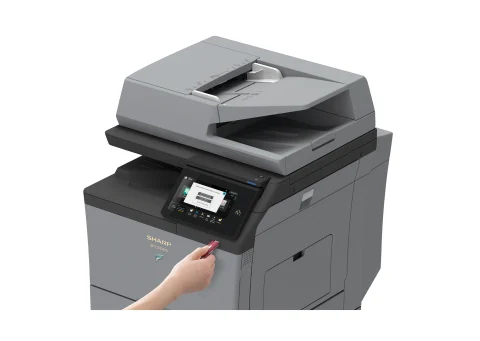
Direct Printing/Scanning with USB Drives
Insert a USB drive and a print/scan command screen will automatically pop up on the LCD. Right away you can print files from the USB drive ? or you can scan documents directly to the USB drive.
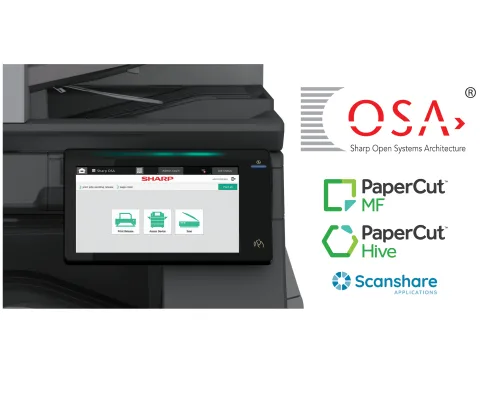
Sharp OSA?
Sharp OSA? technology can help businesses enhance productivity, reduce costs, and simplify IT management. Utilising industry-standard protocols, Sharp MFPs can easily integrate with third-party applications directly from the operation panel. Using secure and scalable communications, Sharp OSA cloud-ready technology further expands flexibility in how the document workflow and security solutions are implemented.
Reviews
There are no reviews yet.